Undo a Git Rebase on a local branch
The Git rebase command is very strong in a feature branding workflow.
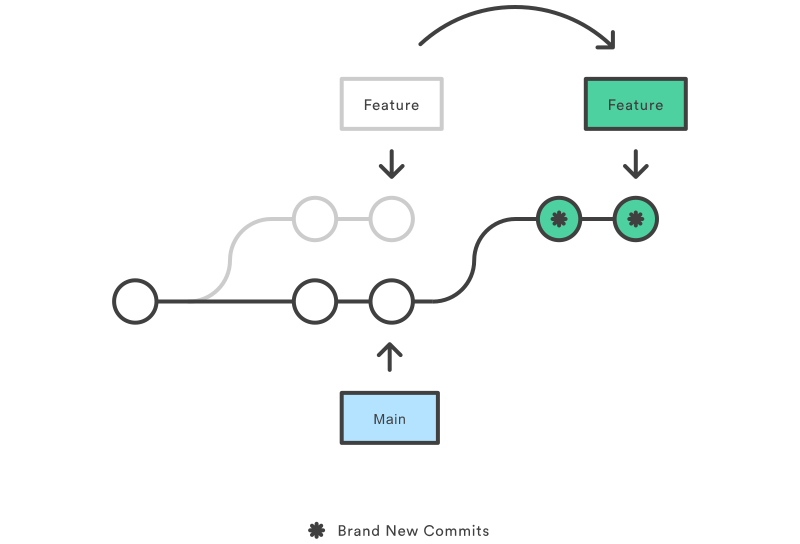
However, it will sometimes make you crazy because of the diverged branch issue.

Simply, to get rid of this situation you need to undo the GIT REBASE.
The following command help you to undo:
git reset --hard origin/{your_local_branch_name}By this, one guy saved my day. So, I’m happy to share you, guys.
Good luck!

What’s your Reaction?
+1
+1
+1
