[SOLVED] Grammarly word add-in: failed to install
If you got trouble with the Grammarly word add-in installation as follows:
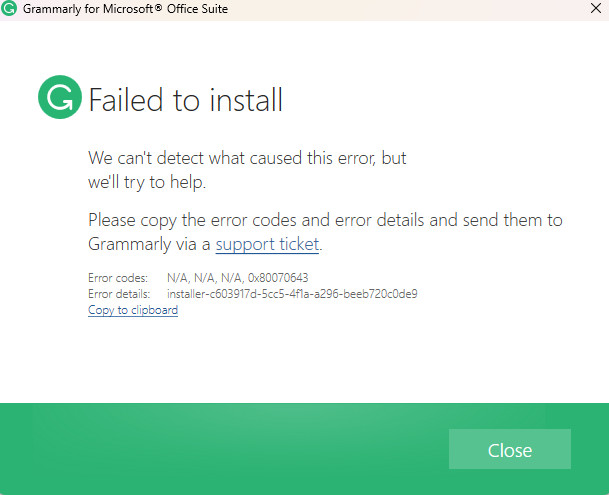
Please try to uninstall the current version of the Grammarly add-in by:
Control Panel > Programs and Features > right-click on Grammarly for Microsoft Office Suite > select Uninstall
Then download the add-in again from the official Grammarly website: https://www.grammarly.com/office-addin
and install it.
Bingo! your issue will not be present anymore.

What’s your Reaction?
+1
+1
+1
